

 By
By Eleven Labs Review: The Ultimate Guide to Cloning Your Voice for Content Creation
I’ve seen countless tools that promise to be the next big thing. Most are flashes in the pan. However, every so often, a technology emerges that fundamentally changes the game. ElevenLabs is one of those game-changers. The days of spending hours in a sound booth chasing the perfect take, wrestling with expensive microphones, and painstakingly editing out every minor imperfection are officially numbered.
The advent of AI voice generation promised a revolution, but early iterations were robotic and emotionally flat, unsuitable for the professional-grade content my audience expects. That all changed when I began working with ElevenLabs. Their platform, which I will review in detail, doesn’t just generate speech; it creates a lifelike, emotionally resonant performance that is, in my professional opinion, indistinguishable from a human voice actor.
This article is for the content creator who understands that time is money and quality is non-negotiable. I will provide a methodical guide on how to use ElevenLabs’ most powerful feature: cloning your own voice to create limitless, high-quality audio content.
What is ElevenLabs?
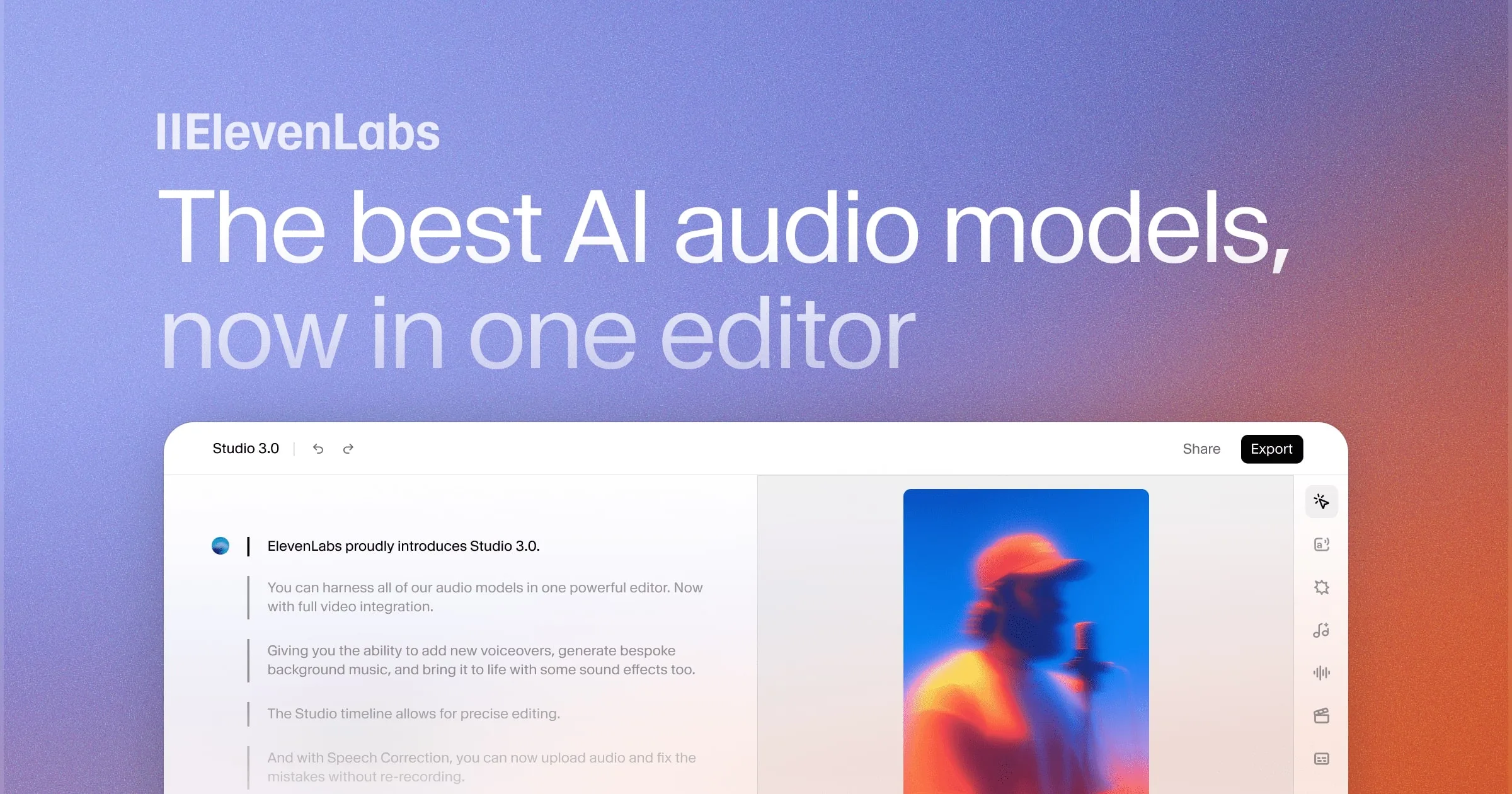
At its core, ElevenLabs is a voice AI research company on a mission to make all content universally accessible in any language and any voice. Their technology is built on advanced algorithms that analyze the context of text to adjust vocal delivery, resulting in a remarkably human-like sound. This isn’t just about reading words aloud; it’s about conveying the emotion and nuance behind them.
The platform provides a suite of tools, including Speech Synthesis (text-to-speech), a vast Voice Library, and AI Dubbing. But the crown jewel for any serious creator is the
Voice Lab, where you can design entirely new synthetic voices or create a perfect digital clone of your own.
The Power of a Digital Voice: Why Clone Yourself?
Before I walk through the “how,” it’s critical to understand the “why.” Cloning your voice isn’t a novelty; it’s a strategic advantage that delivers tangible returns in four key areas:
- Unmatched Efficiency: Imagine writing a script for a 10-minute video and having the final, perfect audio ready in seconds. No more multiple takes, editing out stumbles, or re-recording sections due to minor script changes. This tool reduces audio production time from hours to minutes.
- Absolute Consistency: Your digital voice is always on-brand. It never sounds tired, sick, or uninspired. This ensures a consistent and professional audio signature across every piece of content you produce.
- Limitless Scalability: The bottleneck for audio content production is no longer your time and energy. With a voice clone, you can generate audio for short-form social videos, long-form podcasts, and even entire audiobooks without stepping in front of a microphone. I recently produced an audiobook in a single day, a task that would have previously taken weeks.
- Significant Cost-Effectiveness: High-quality audio typically requires a substantial investment in microphones, acoustic treatment, and editing software, not to mention the potential cost of hiring voice actors. ElevenLabs delivers professional-grade audio for a fraction of the cost.
Getting Started: The Ultimate Guide to Cloning Your Voice
I’ve refined this process to its essentials. Follow these steps, and you will have a working, high-quality clone of your voice ready for content creation.
Step 1: Sign Up and Utilize the Free Trial
First, create an account. ElevenLabs offers a generous free tier that includes 10,000 credits per month, which is enough to generate approximately 10 minutes of audio. This is more than sufficient to test the platform’s full capabilities and generate your first few pieces of content.
Step 2: Enter the Voice Lab
Once your account is set up, navigate to the Voice Lab from the main menu. This is your hub for voice creation. Here, you can experiment with designing new voices or begin the cloning process.
Step 3: Create Your Instant Voice Clone
For your first clone, select “Instant Voice Cloning.” The process is remarkably straightforward:
- Upload Audio: You will need to upload at least one minute of clean audio of your voice. For the best results, use a recording with no background noise, music, or echoes. Speak in a clear, consistent tone.
- Confirm Rights: You must confirm that you have the necessary rights to the voice you are cloning.
- Generate: The AI will process the audio, and within minutes, your voice clone will be created. It truly is that fast.
Step 4: Generate Your First Speech
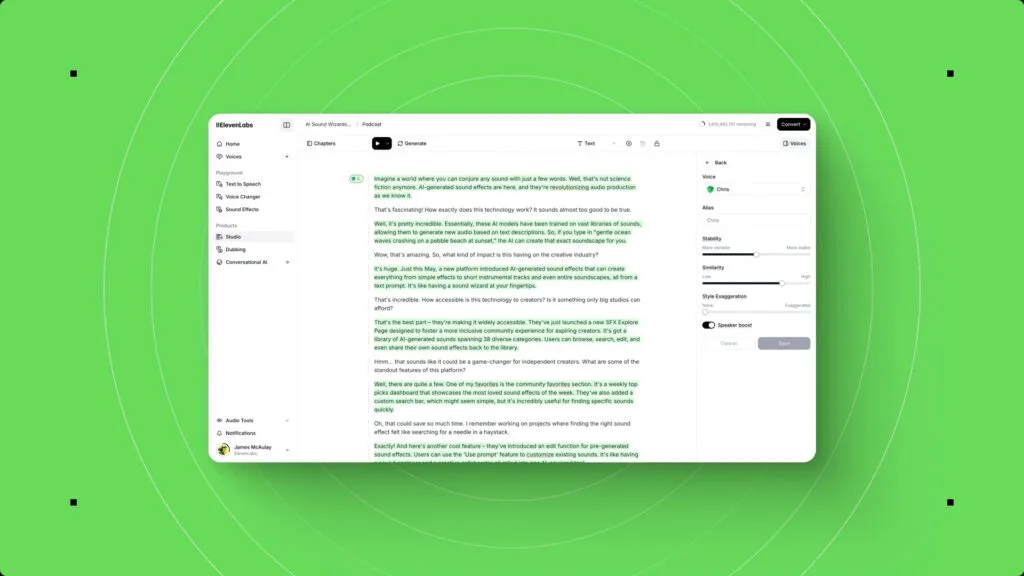
With your clone created, navigate to the
Speech Synthesis tool. You will see your newly created voice available in the dropdown menu. Simply type or paste your script into the text box, select your voice, and click “Generate.” In moments, you’ll have a broadcast-quality MP3 of your script, spoken in your own voice.
For those requiring the absolute highest fidelity for projects like commercial audiobooks or broadcast advertisements, the paid plans offer
Professional Voice Cloning (PVC), which uses a larger dataset of your voice to create an even more nuanced and perfect clone.


Putting Your Voice to Work: Practical Use Cases for Creators
A tool is only as good as its application. Here is how I’ve integrated my voice clone into my workflow to maximize productivity and reach:
- For Video Creators: I now create flawless voice-overs for my YouTube tutorials and demo videos in one take. There are no more filler words or awkward pauses to edit out. The audio is clean, professional, and ready to be dropped into my video editor.
- For Podcasters: I can now convert a written script into a full podcast episode without a recording session. This also allows me to experiment by creating unique AI voices for co-hosts or for reading listener correspondence, adding a new dynamic to my show.
- For Writers and Authors: This is where the platform truly shines for me. I convert every blog post I write into an audio version, instantly making my content more accessible for those who prefer to listen. As mentioned, I produced an entire audiobook within a day, a project that would have been prohibitively time-consuming and expensive otherwise.
- For Marketers and Educators: Creating polished audio for e-learning courses, product demonstrations, and affiliate marketing videos is now effortless. The professional quality of the voice lends immediate credibility to the content.
My Expert Verdict: Is ElevenLabs a Necessary Tool for Creators?
Since the arrival of Voice Generational Modules like Siri, Alexa, Ok Google, and Generative AI, I have never seen a tool that so dramatically improves workflow efficiency while simultaneously elevating the quality of the final product. ElevenLabs is not just an innovation; it is a revolution for creators. The ability to generate perfect, emotionally-aware audio from a text script is, without exaggeration, game-changing.
The platform democratizes high-end audio production, making it accessible to solo creators, small teams, and large enterprises alike. The quality is superb, the time savings are immense, and the potential for scaling content is limitless.
If you are a content creator of any kind, you owe it to yourself to explore this platform. The line between human and AI-generated voice has been erased, and the creative possibilities are endless.
Ready to revolutionize your audio content? Click here to try ElevenLabs for free and claim your 10,000 free credits. Experience it for yourself.